
Filter the table
One input, five fields and two operators. The filter hides rows and never removes them, which is what makes it the safe way to narrow a capture.
Updated
Narrow the table to the requests that matter without losing any: the filter hides rows and never removes them.
Filter the table
- Click the Filter captured box above the table.
- Type a term such as
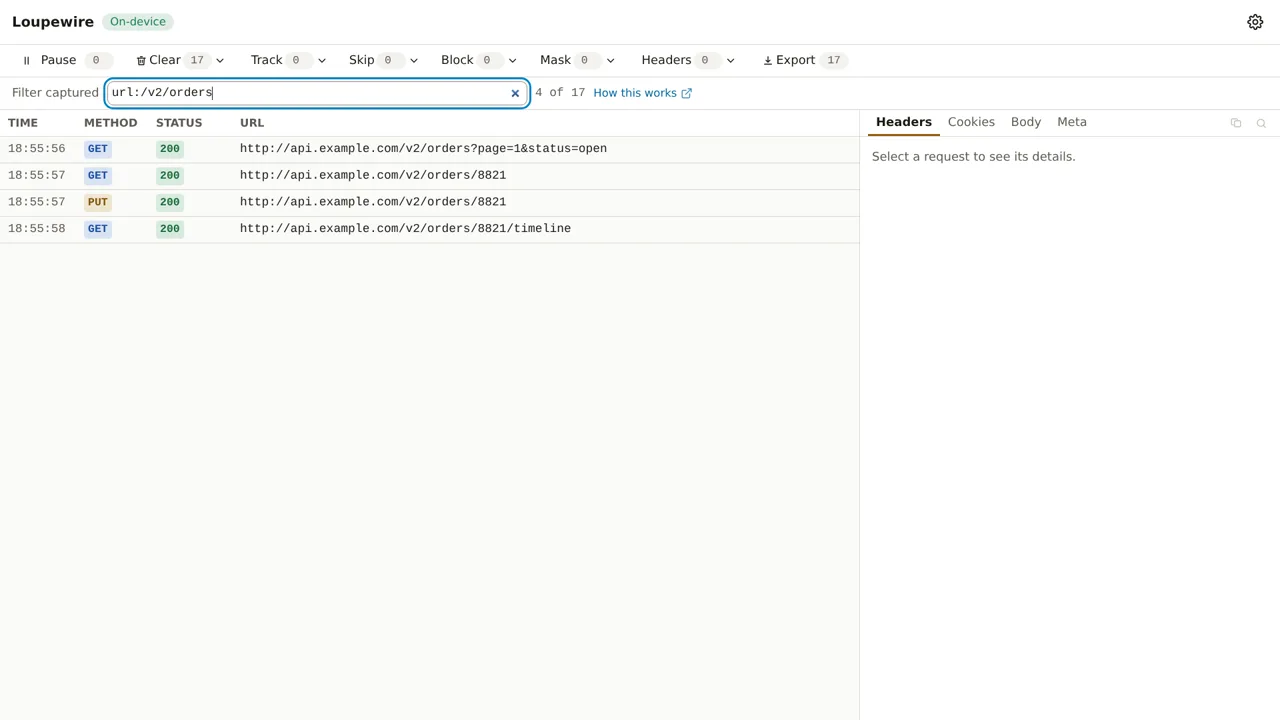
status:4xxormethod:POST. The table narrows as you type, and the count beside the box says how many rows are shown out of all captured. - Clear the box to see everything again, including rows that arrived while the filter was on.
A term is field:value, and a bare word is a URL term: payments means url:payments. Values are
case-insensitive substrings of the text the table shows.
| Field | Matches | Example |
|---|---|---|
url: |
anywhere in the URL | url:/v2/orders |
method: |
the method | method:POST |
status: |
the status, or a class | status:404, status:2xx |
date: |
the time shown in the TIME column | date:13:59 |
cache: |
whether it was served from cache | cache:yes |
Combine terms
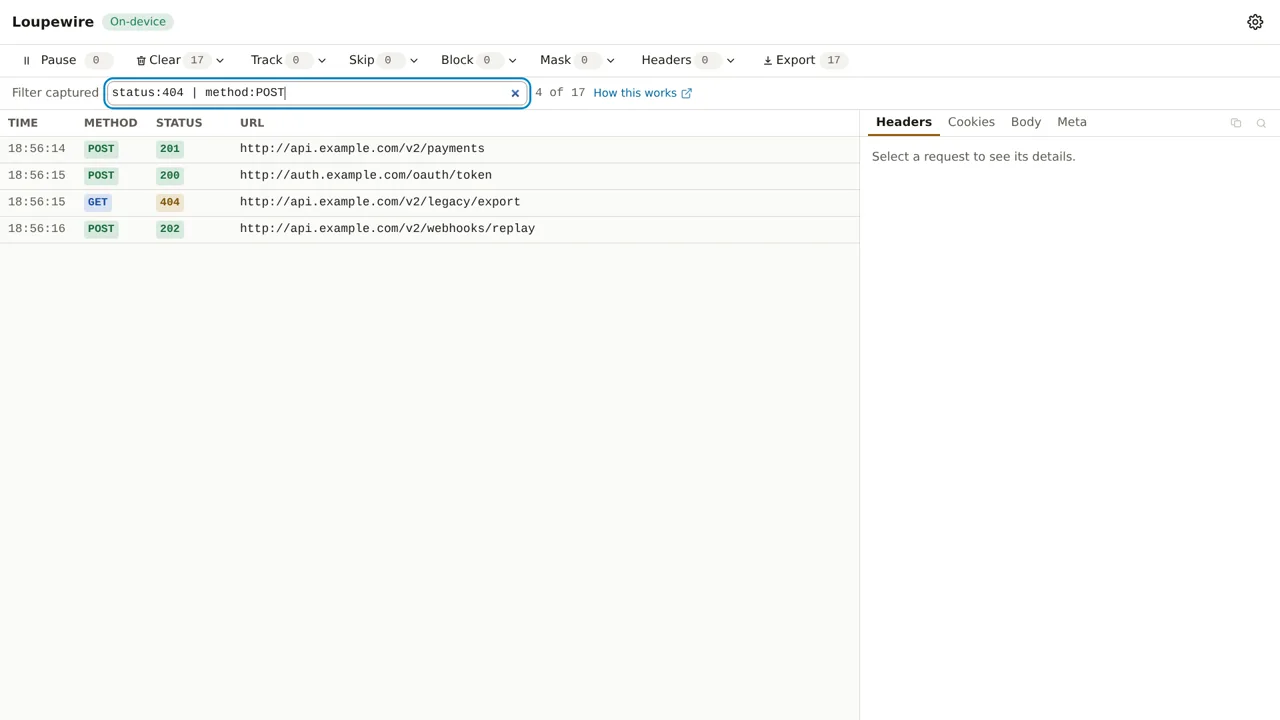
& is AND and | is OR, and & binds tighter: a | b & c means a | (b & c). There are no
parentheses and no negation.
When nothing matches
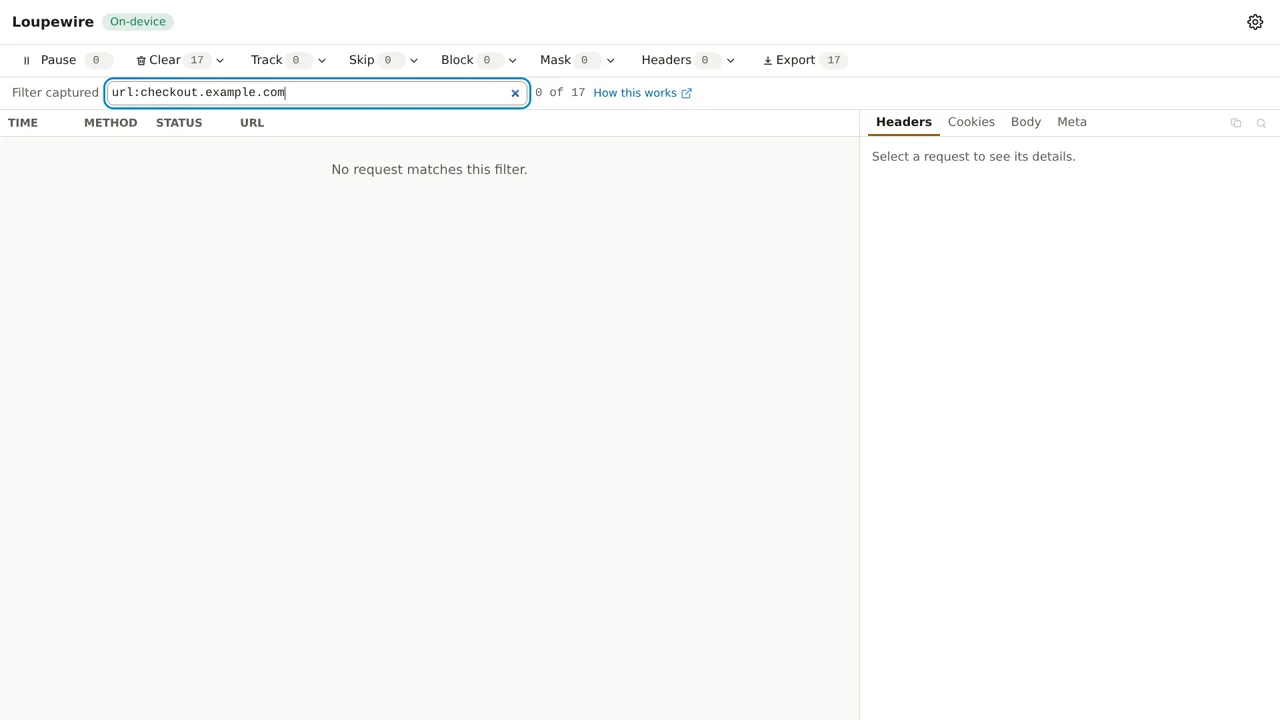
The empty table says which of three things is true: "No requests captured." (nothing has arrived), "No request matches this filter." (rows exist, the query excludes them) or "Capture is paused."
A half-typed query leaves the table as it was rather than emptying it, and an unknown value matches
nothing: a request still in flight has no status, so it fails status:200 and status:0 alike.
Filter, then export or clear
Export can take just the rows the table shows now, and the file records that it holds a subset. Clear shown removes exactly those rows.
Common mistakes
- Expecting
!or parentheses. Neither exists. For "everything except", use Skip, with its cost, or narrow from the other side. method:with nothing after it. That is an error, not "any method".- Expecting the filter to free memory. Hidden rows are still in the buffer. Clear frees them.
Not in this version
Parentheses, negation, regular expressions and remembering a filter after the window closes are not in this version.