
Import a HAR
Open a HAR file someone sent you, or one DevTools saved, read it with every secret covered, and export it again masked, without anything leaving your device.
Updated
Open a HAR file someone sent you, or one DevTools saved, read it with every secret covered, and send it on masked.
Import a file
- Click Import in the tracker's toolbar and choose a
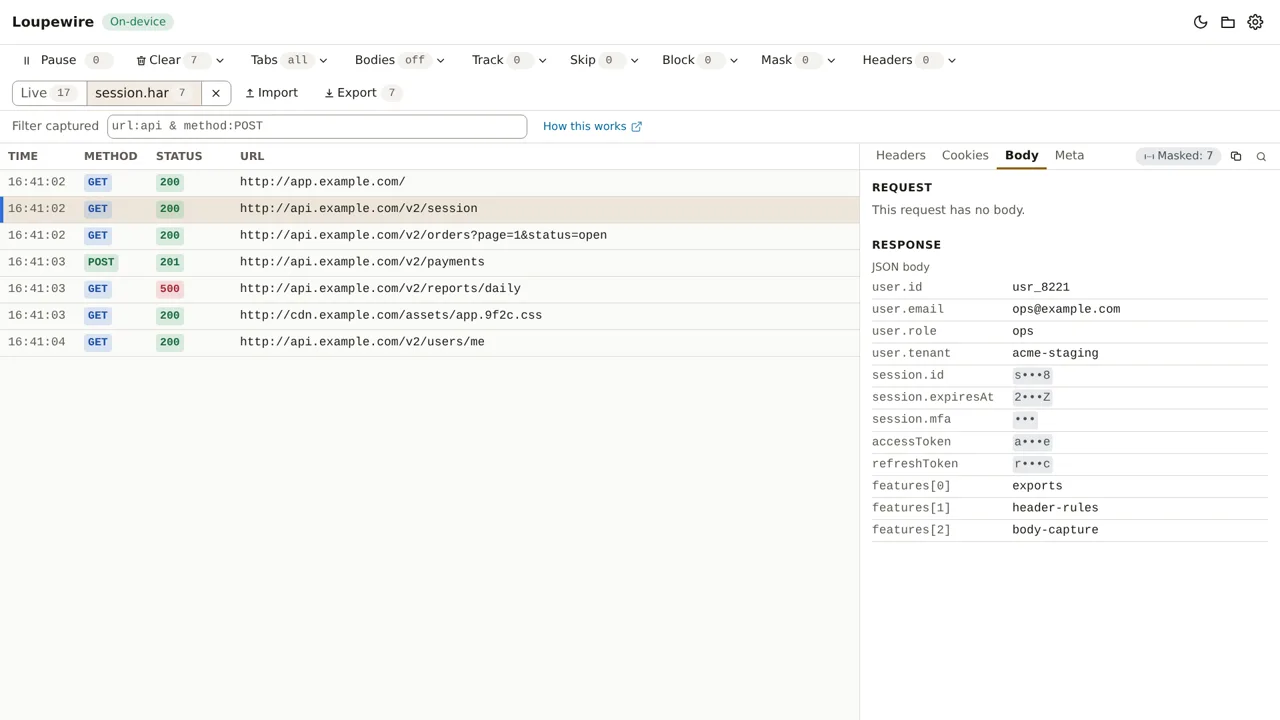
.harfile, or drop the file anywhere on the tracker; "Drop a HAR file here to import it" shows where it lands. - The file opens in a view of its own. The switch beside Import reads Live and the file's name, each with its count of requests.
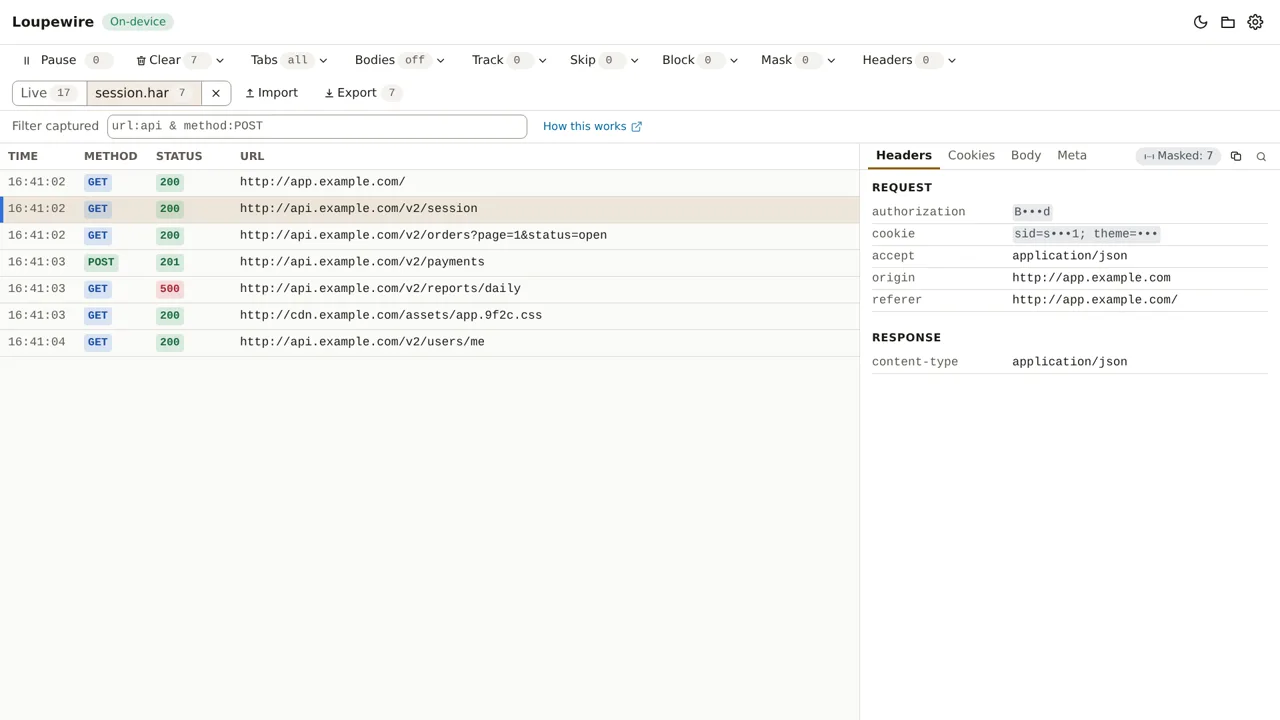
- Click a request to read it, as you would a captured one. Response bodies the file carries are in the Response part of the Body tab.
Save a HAR with DevTools
In Chrome or Edge: open DevTools (F12), choose the Network panel, reproduce the problem, then
use Export HAR in its toolbar. A HAR saved this way carries response bodies for the requests
DevTools recorded, including ones Loupewire cannot capture live, such as page loads and bodies read
as a stream.
What import does
- Everything is masked on screen and in exports, by your patterns and the secret preset, as captured traffic is. See Mask and the secret preset.
- Live capture keeps running while a file is on screen. The Live count keeps rising.
- The file is held in memory and never stored. Closing it, or the tracker, drops it. Importing another file replaces it.
- Track, Skip and Block do not apply to an imported file: you see all of it. The filter, Clear and Export work on the view on screen.
- Rows show their origin. Meta reads Source: Imported HAR file in place of the tab, and adds the protocol and the timing phases the file recorded. Your header rules never touched these requests, so none is marked as matching one.
All or nothing
A file is imported whole or not at all, because a partial import would leave the rest of the file unmasked when you export it. The tracker refuses, and says why:
| The notice says | Because |
|---|---|
| This file is N MB. Loupewire can import files up to M MB on this device, so nothing was imported. | Files up to 32, 64 or 128 MB, depending on the memory your computer reports |
| This file has N requests. Loupewire can show up to M at once, so nothing was imported. | 1 000, 2 000 or 5 000 requests, the same limit as live capture |
| This file is not valid JSON, so nothing was imported. | It is not a HAR, or it is damaged |
| This file is JSON but not a HAR file, so nothing was imported. | It has no HAR log in it |
| This HAR file has no requests in it. | The log is empty |
| Request N in this file has no valid field, so nothing was imported. | An entry lacks its method, a URL or a start time |
| The browser could not read this file (…), so nothing was imported. | A file-system error |
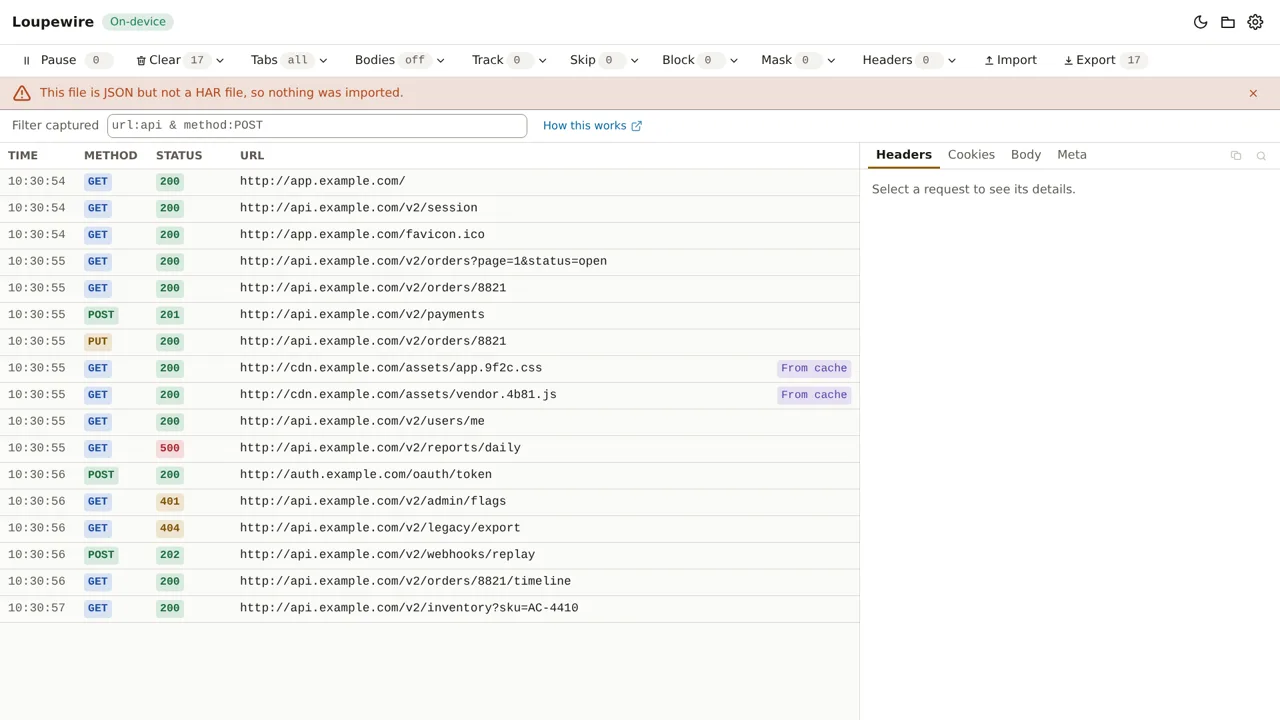
Dropping several files imports the first one: "Only the first file was imported. The other N were ignored." Dismiss a notice with its × button.
Export it again, masked
With the file on screen, Export writes its requests as HAR or Loupewire JSON, masked; see Export and copy. The new file:
- says the requests were imported and masked by Loupewire, not captured by it, and names the browser only if the original file did;
- carries each response body whole, masked to its end, while the panel shows the first 64 KiB;
- drops what Loupewire does not read rather than write it unmasked: WebSocket messages,
initiator stacks, page titles, comments, cookies listed without a
CookieorSet-Cookieheader, custom_fields and malformed headers, and says so; - never contains the imported file's name, which often names a customer.
Common mistakes
- Expecting the file to be there next time. It is never stored. Keep the original, or export the masked copy.
- Looking for live rows while the file is on screen. They are under Live.
- Sending the original instead of the export. Only the exported file is masked.
Not in this version
Importing more than one file at a time, merging a file into the live capture, and keeping an import after the tracker closes are not in this version. Saved sessions are planned.